
Independent stores
You need more campaign directions than a small shoot can cover.
Explore product scenes before committing budget to a final production.
For ecommerce and creator brands
Explore product scenes, campaign directions, and clean commercial visuals before you book a full shoot. Vinci AI creates concepts, not exact product reproductions.
Start with this visual direction
Premium commercial product photo concept of an original matte black coffee bag on a warm stone counter, soft morning sunlight, gentle steam, roasted coffee beans as subtle foreground detail, clean editorial composition, no readable text, no logo, no watermark, 4:3
Who this is for
You need more campaign directions than a small shoot can cover.
Explore product scenes before committing budget to a final production.
A plain listing photo can make a distinctive product feel generic.
Draft styled environments that communicate a product mood and use case.
Campaign teams need visual territory before every asset is finished.
Generate a set of lighting and composition directions for creative review.
Your first launch needs a coherent visual world without a studio on day one.
Turn product ideas into clean, shareable concept images.
Prompt templates
Use each prompt as a visual direction, then refine the subject, materials, and campaign mood for your product.
Campaign concept
A warm, premium coffee launch image with one clear product hero.
Premium commercial product photo concept of an original matte black coffee bag on a warm stone counter, soft morning sunlight, gentle steam, roasted coffee beans as subtle foreground detail, clean editorial composition, no readable text, no logo, no watermark, 4:3
Best for: Coffee packaging, launch posts, seasonal campaign drafts
Beauty concept
A clean skincare campaign direction with soft light and material detail.
Clean skincare campaign concept with an original frosted glass serum bottle on pale travertine, translucent water ripples, soft studio lighting, subtle botanical shadows, premium minimal beauty editorial, no readable text, no logo, no watermark, 1:1
Best for: Beauty launches, moodboards, product campaign exploration
Ecommerce concept
A tactile tabletop scene for a handmade product listing direction.
Ecommerce product photo concept of an original handmade ceramic mug with visible glaze texture on a linen table, warm window light, a small branch and book in the background, close up, narrow depth of field, no readable text, no logo, no watermark, 4:3
Best for: Etsy shops, craft brands, cozy product stories
Tech concept
A dramatic studio direction for a new device or accessory launch.
Cinematic hero product photo concept of an original compact wireless gadget floating above a black reflective pedestal, deep charcoal studio, precise blue rim light, refined metal texture, clean negative space, no readable text, no logo, no watermark, 4:3
Best for: Hardware launches, landing-page heroes, ad direction
Luxury concept
A focused luxury visual that highlights surface, light, and scale.
Luxury macro product photo concept of an original gold geometric pendant on folded cream silk, soft golden-hour side light, delicate shadow, shallow depth of field, editorial jewelry photography, no readable text, no logo, no watermark, 1:1
Best for: Jewelry concepts, gift campaigns, premium product ideas
Launch concept
A flexible campaign visual for a new small-brand product story.
Cinematic small brand launch ad concept showing an original colorful product package on a sculptural plinth, rich coral and cobalt backdrop, crisp studio light, playful premium styling, one central focal point, no readable text, no logo, no watermark, 1:1
Best for: Paid social drafts, launch concepts, visual direction reviews
Aspect ratio
Start square for ads and social; choose 4:3 for fuller product scenes.
Best styles
Use photographic for realistic material cues and cinematic for campaign mood.
Lighting
Name one lighting direction to keep the visual coherent.
Composition
Describe negative space and camera distance instead of adding many props.
Examples and ideas
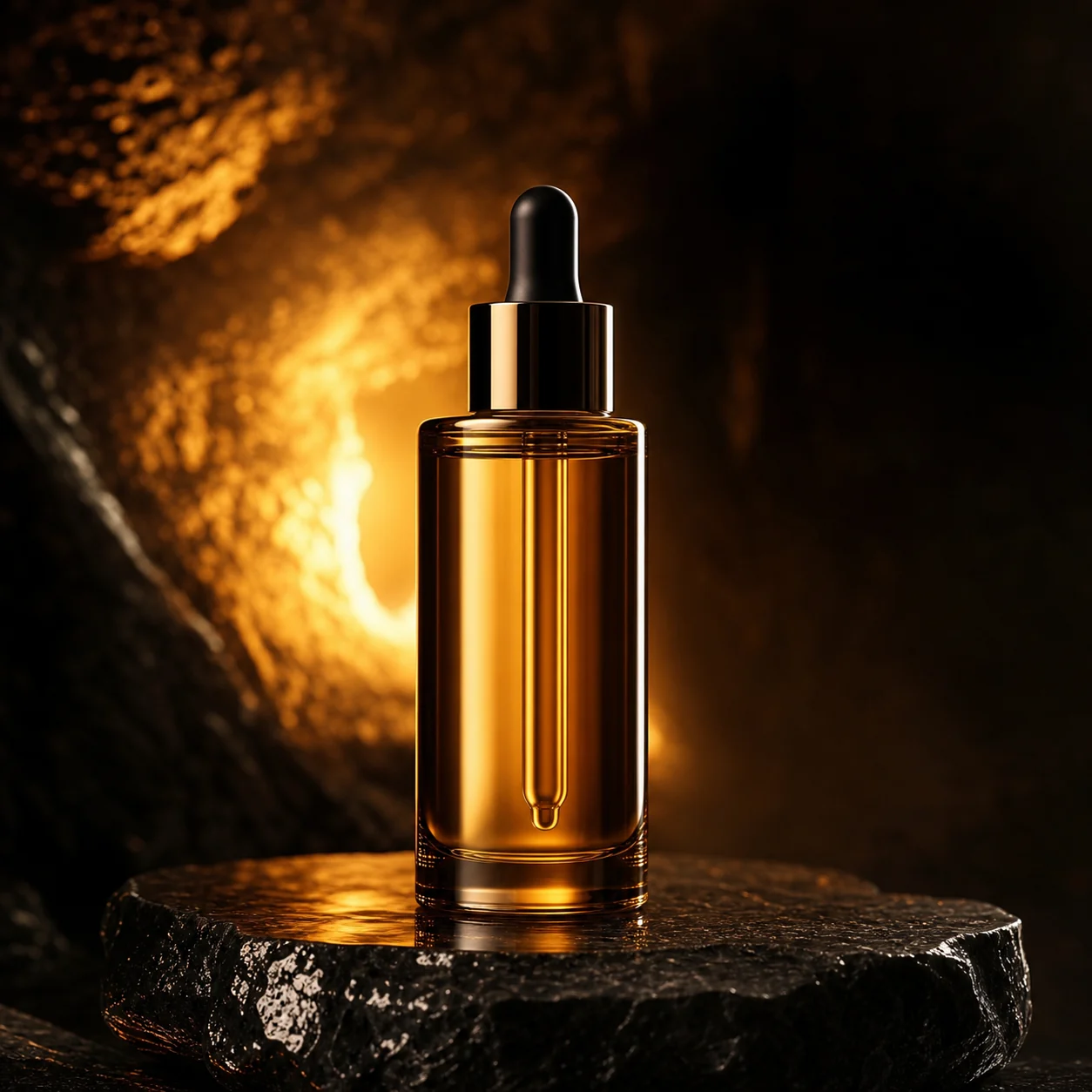
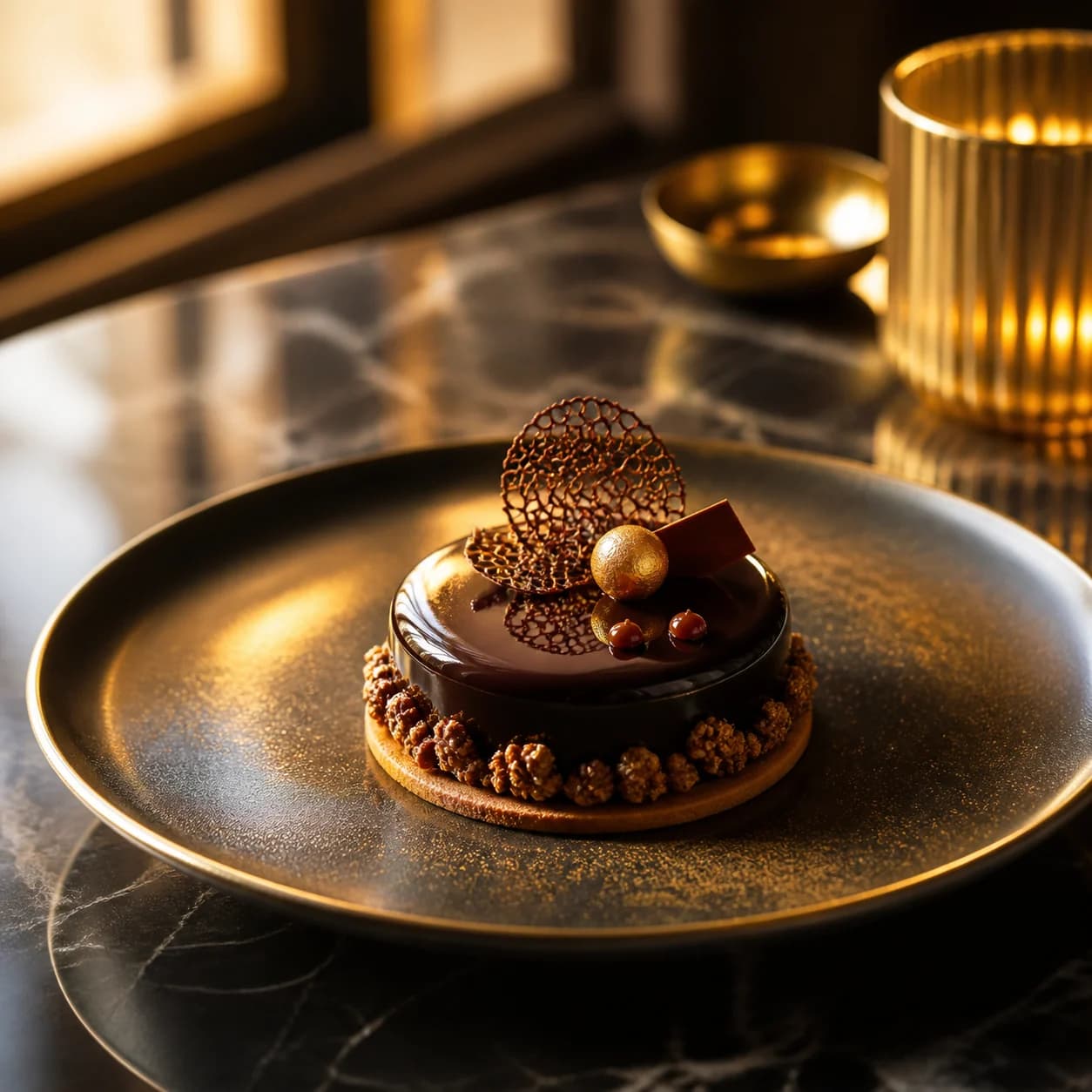
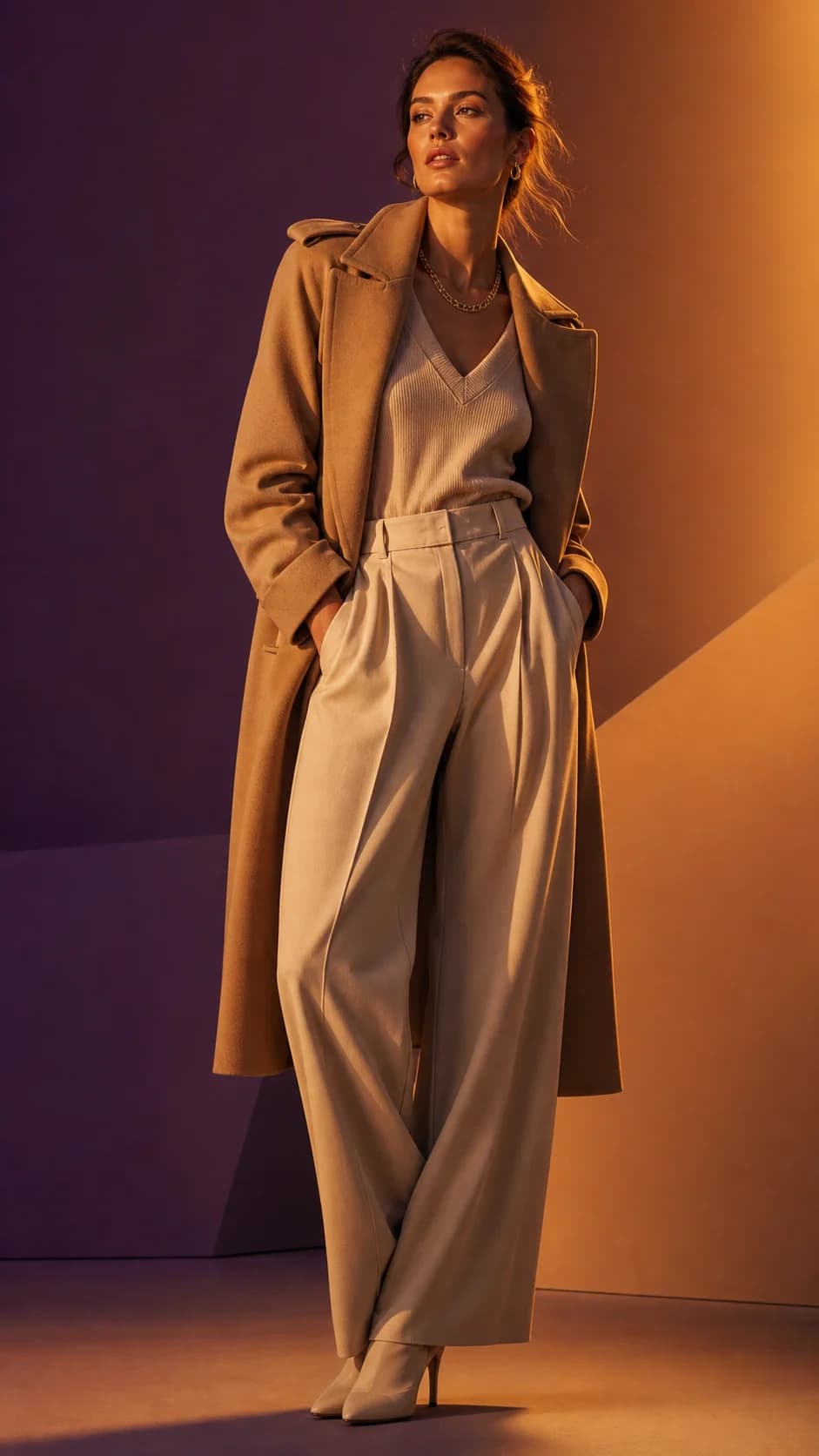
These Vinci AI examples show scene, light, and composition possibilities—not a promise of exact product preservation.
A richly styled product scene for a food or hospitality campaign.
Better results
Name the product category and one material or finish.
Choose one visual mood before adding supporting props.
Use close-up language when texture matters.
Ask for clean negative space for a campaign headline.
Generate several concepts before selecting a production direction.
Do not rely on AI output to exactly preserve a real product appearance.
FAQ
Vinci AI can create product photo concepts, campaign scenes, and commercial visual directions. It is best used to explore ideas before a final shoot or production workflow.
No. This page does not provide product upload, exact product preservation, or background replacement. Treat results as concept visuals.
Use 1:1 for social and ad directions, or 4:3 when you want more space around the product.
Yes, use them to explore campaign directions. Check your final assets and rights before publishing commercial work.
Use one central object, a specific material, one lighting direction, and a simple background in the prompt.
Use free credits to test scenes, materials, light, and campaign concepts before moving into a final production workflow.
Copy a prompt template
Generate a concept
Refine the final asset
Related directions